
An e-reader for VR headsets. Pages sharp as print, floating right where you want them, in seventeen worlds you can disappear into.

Two minutes of real, in-headset footage. This is what reading in HoverTome actually looks like.
Straight out of the headset at full resolution. Nothing staged, nothing painted on afterwards.
This is the actual reading setup — your book floating between the two control panels you use in the headset. Change the world, the paper, the typeface, the light. Click the right edge of the page to turn it. Click any word for its definition, just like pointing at it in VR.
This is a basic re-creation of the HoverTome ereader. The menus, features, and backgrounds in the real app are more comprehensive and look stunning.
Stretch a page until it towers over you, then study the linework — the hatching, the halftone, the brushstrokes the artist meant you to see. No pinching at a phone screen. You walk up to it, or reach out and pull it close.

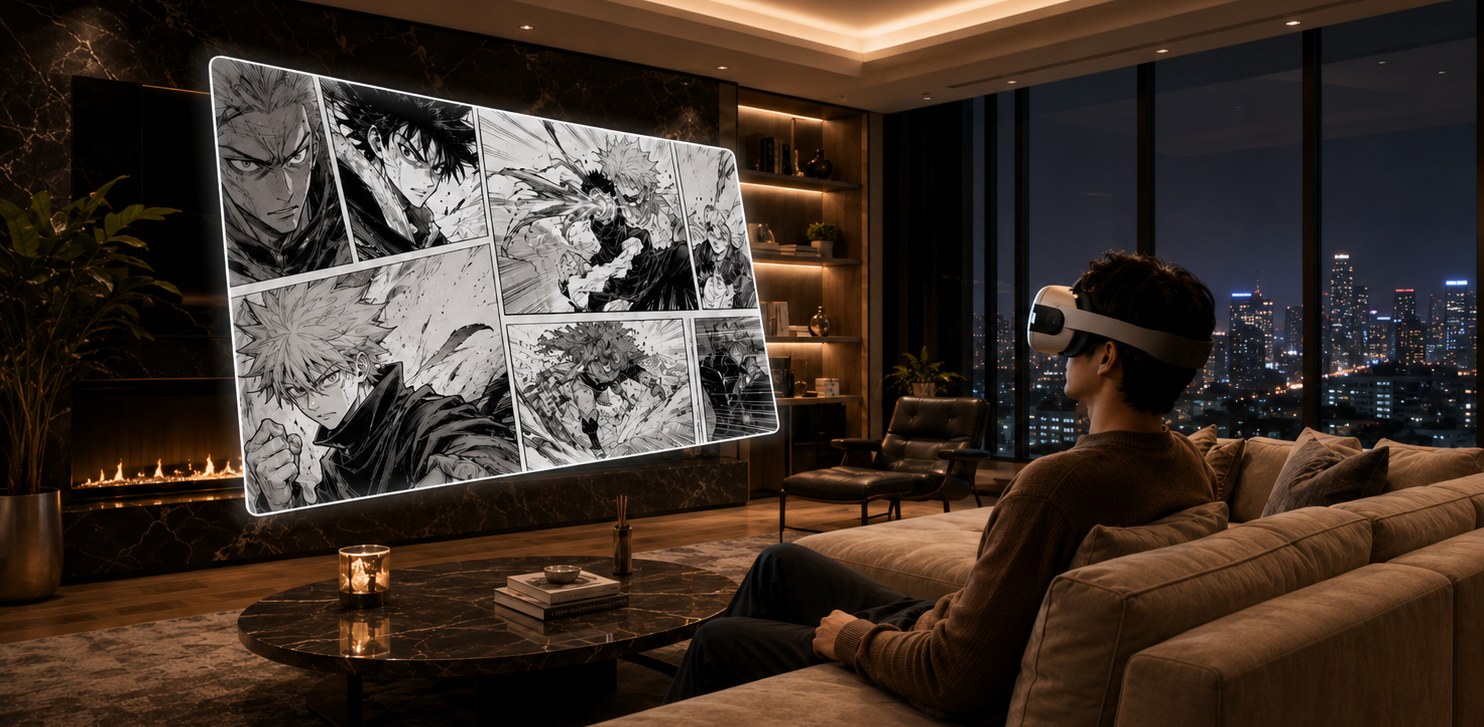
CBZ and CBR, page by page or as a full two-page spread. Seven panel themes to frame them in.
Seventeen hand-picked worlds wrap around your book — or switch them all off and read in passthrough, right in your own room.
 THE LIBRARY
 COZY CABIN
 LOW ORBIT
 TROPICAL SUNSET
 AURORA
 JAZZ CLUB
 ENCHANTED FOREST
 ATLANTIS
 ALPINE LODGE
 OASIS
OASIS CAVERNS
 STORYBOOK
 JUNGLE
 THE PUB
 ELVEN GARDEN
 ALIEN WORLD
 TRANQUILITY
All seventeen — drag, scroll, or use the arrows.
Your books land in this rotunda with their real covers, flying in from the stacks. Sort by what you read last, jump by letter, search as you type — or browse ninety-six free classics and pull them straight onto your shelf.
Everything in HoverTome exists to get out of the way of a good book. No accounts, no feeds, no clutter — just the page.
Razor-sharp text at reading distance. You forget the headset is there.
Point at it, pull the trigger, read the definition. No internet needed.
Eleven typefaces, six papers, your size, spacing, and margins.
Grab the page and put it anywhere — couch, desk, or flat on your back in bed.
Stretch a page until it towers over you and step into the linework.
Set them down and read with your bare hands — point, pinch, turn the page.
Grab books from anywhere on your headset or drop them over a cable. Kindle-style MOBI files and comic archives convert themselves the moment they arrive.
Straight from the headset. Open HoverTome, press Library, then Import, and pick your files — anything you've downloaded in the headset's browser is right there in Downloads.
Over a cable. Plug your headset into a computer and allow data access when the headset asks. Drop your books into the folder shown on HoverTome's Add Books screen, tap Scan Now, and they land on your shelf.
Kindle-style MOBI files and CBR comics convert themselves automatically.